Absolutely! The app has become increasingly beginner-friendly, making it a great companion for those new to wheel building. You’ll find:
- Visual graphics and note containers to guide your steps
- Quick modal-based tooltips explaining key concepts as you go
- A brand new, built-in wheel building glossary to help you understand both basic and advanced terms
Whether you're looking to build your first professional wheel or an established workshop with wheel building experience, the app supports your learning every step of the way.
The app is designed to simulate the natural workflow of a wheel builder, helping you stay organized while reflecting real-life shop logic. Here’s a recommended path for getting started:
- Save your components – Add your hubs, rims, spokes etc., with their measurements. You can also import preloaded some models.
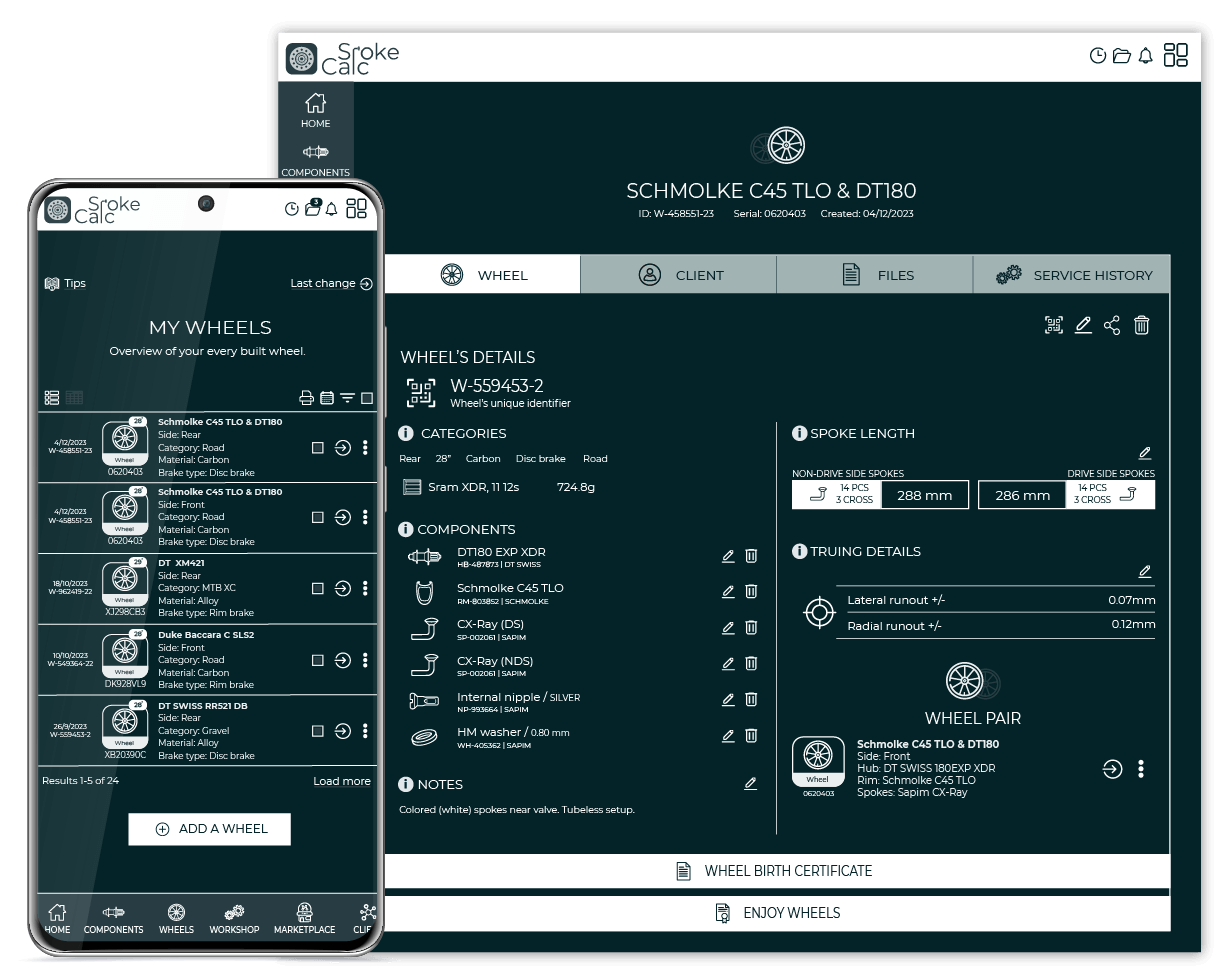
- (Optional) Create a complete wheel – Use the Component Manager (on the My Components page) to link your hub and rim into a wheel. You can also connect two wheels into a wheelset.
- Set up your tensiometer – Add your tension meter and save or import matching tension tables.
- Import your wheel into app's modules / tools – Use the saved wheel directly inside the Spoke Calculator, Tension App, or Work Order module.
- Track service history (Master Builder and above) – Link wheels to work orders or clients to build full service logs.
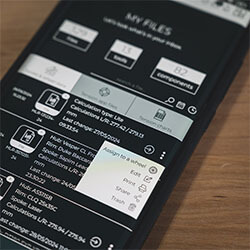
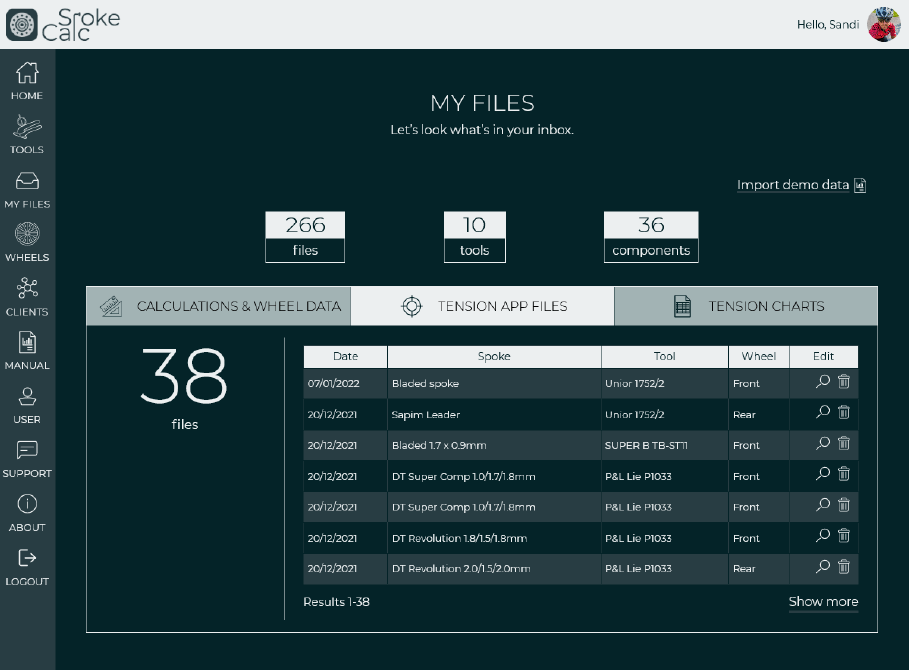
- Access all files in one place – Every file you create is saved under the My Files page for easy management.
While you can also create each file individually, interlinking your components and tools provides full traceability and a more efficient workflow — just like in a real workshop.
When paying via PayPal, your account is automatically upgraded right after purchase. Just make sure to click the “Return to Merchant” button after completing the payment — this step ensures proper activation. Once done, simply log in to access all your unlocked features.
No installation needed — the app is entirely web-based, so it won’t take up space on your device. You can access it online at any time and log in here. For the best experience on mobile:
- Add a shortcut to your home screen to launch the app in full-screen mode — it will feel almost like a native mobile app.
- Use the app in Mozilla Firefox or Google Chrome for optimal performance.
The main app interface is in English, optimized for a clear and focused wheelbuilding workflow.
However, all pre-formatted PDF printouts — including spoke calculations, work orders, invoices, and more — are available in multiple languages: French, Spanish, Italian, German, and Dutch.
This makes it easy to share professional documents with customers in their native language.
The core wheel building tools — including the free spoke length calculator — are available at spokecalc.io.
For access to advanced features like saving builds, custom components, or workshop modules, you’ll need to choose one of the subscription-based memberships.
You can upgrade, pause, or cancel your membership anytime once your user account is created — making it flexible for both individuals and bike shops.
While the monthly subscription is priced affordably, we do offer free trials for the middle and upper-tier memberships — especially for bike shop workshops interested in testing the full potential of the app.
Just send a quick request to [email protected], and we’ll arrange a trial period tailored to your needs.
The most common and convenient method is PayPal, which ensures immediate activation of your subscription and access to all purchased features.
Alternatively, you can also pay via a standard bank wire transfer. Instructions for bank payments are provided upon request.
Certainly! You can switch between membership plans at any time.
Just send a quick request to [email protected], and we’ll arrange a trial period tailored to your needs.
For example, if you start with a Season Pro monthly plan and decide you enjoy the app, you can upgrade to the Master Builder annual plan — unlocking more advanced features and benefiting from a better yearly rate.
Likewise, if you're using the Marketplace Add-on, you can upgrade to the full Marketplace membership for unlimited access.
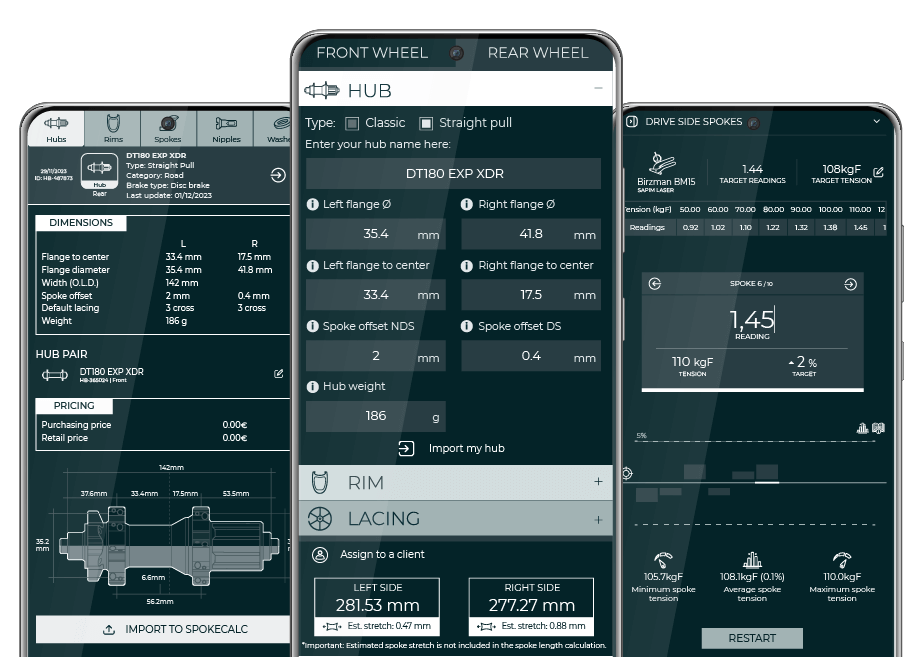
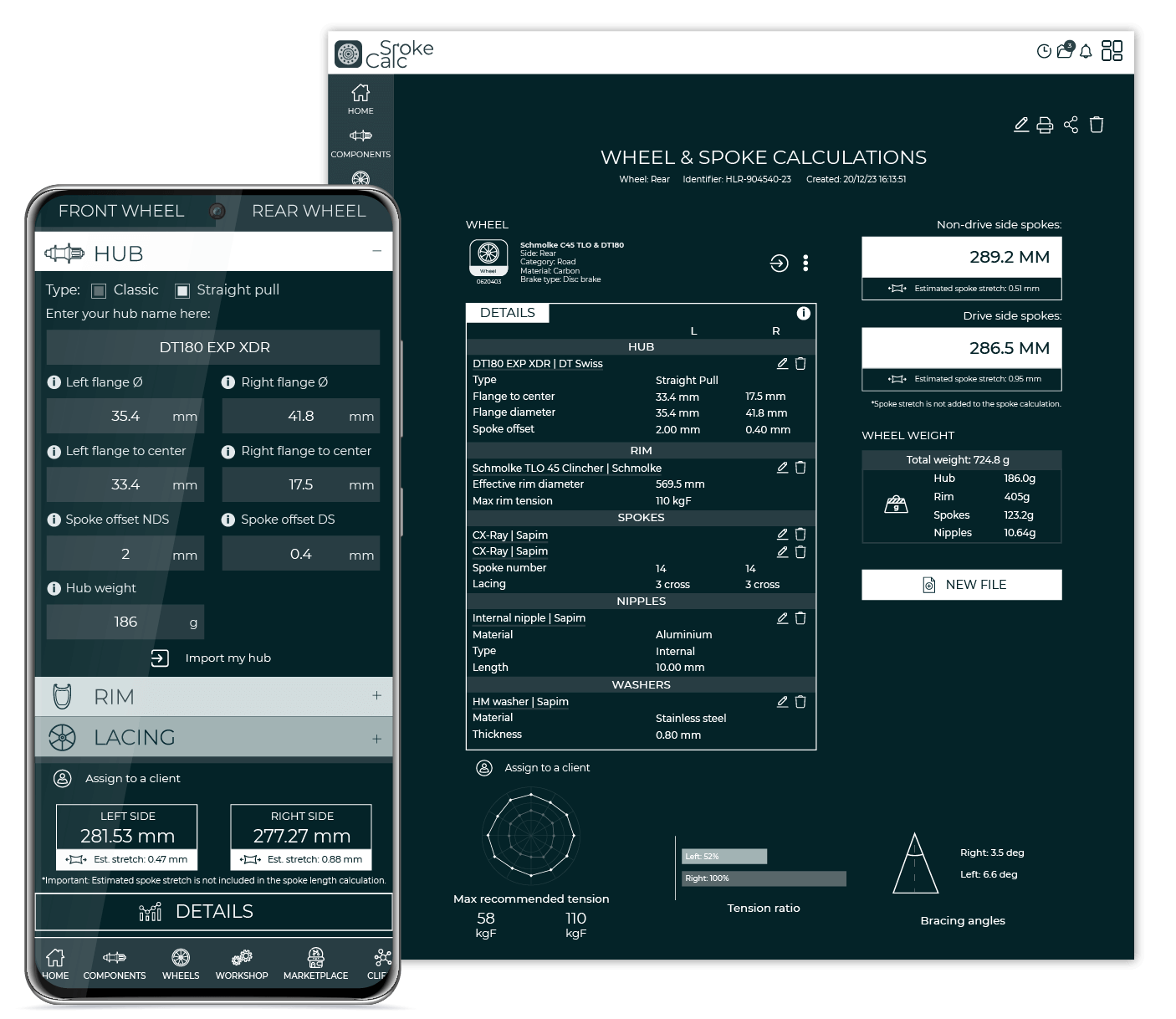
Absolutely — the app’s spoke calculator is one of the most advanced tools available and supports a wide range of modern and unconventional wheel designs. It allows you to:
- Import pre-saved components from your personal list
- Calculate for classic, straight pull, and even hook flange hubs
- Handle paired spoke holes (grouped hole patterns on special hubs)
- Work with asymmetric rims, alternating hole patterns, and wave rims
- Support advanced lacing patterns like triplet (2:1)
- Accurately calculate spoke lengths for Berd and carbon spokes
- Include spoke stretch (elongation) in calculations
- Save both calculated and selected spoke lengths
- Account for the use of washers
Whether you're building a high-end carbon wheelset or experimenting with unusual lacing, the calculator really has you covered.
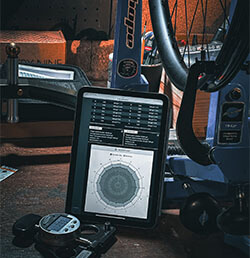
SpokeCalc is designed to work with any analogue or digital spoke tension meter. You can create your own custom tension charts directly inside the app to match your tool.
If you use a popular model from well-known brands, you can import the corresponding tension tables with just one click — saving setup time and reducing error.
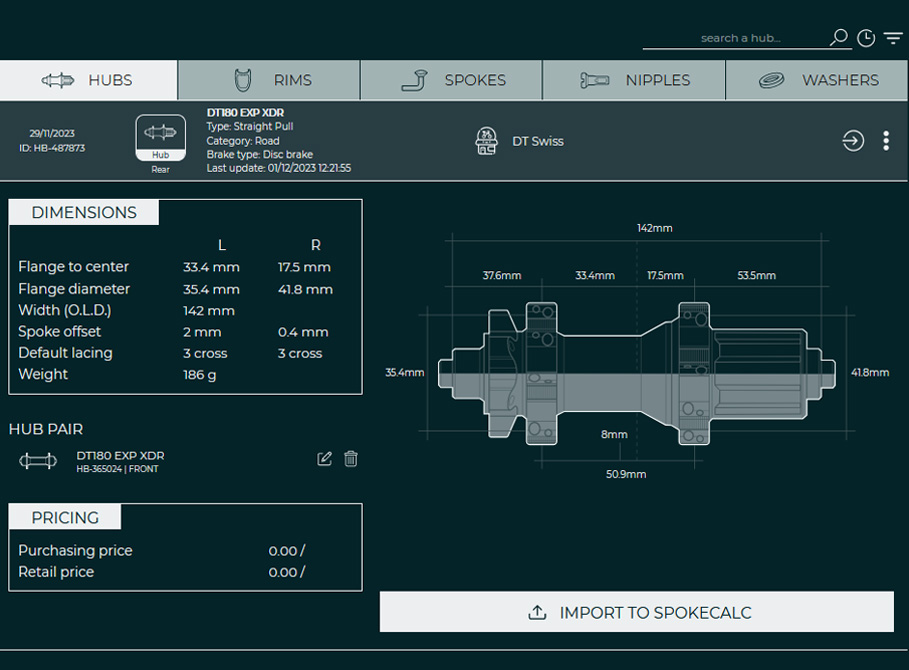
Certainly! You can save all key component types — hubs, rims, spokes, nipples, and washers — along with their dimensions. Each entry offers detailed input options to cover a wide range of specifications and variations.
To get started, head to the My Components page and create a new entry. Once saved, your custom components can be reused and linked across the app — whether you're building a wheel, creating a work order, or preparing a quotation.
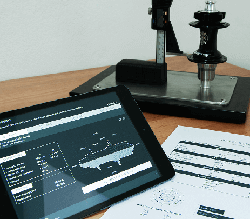
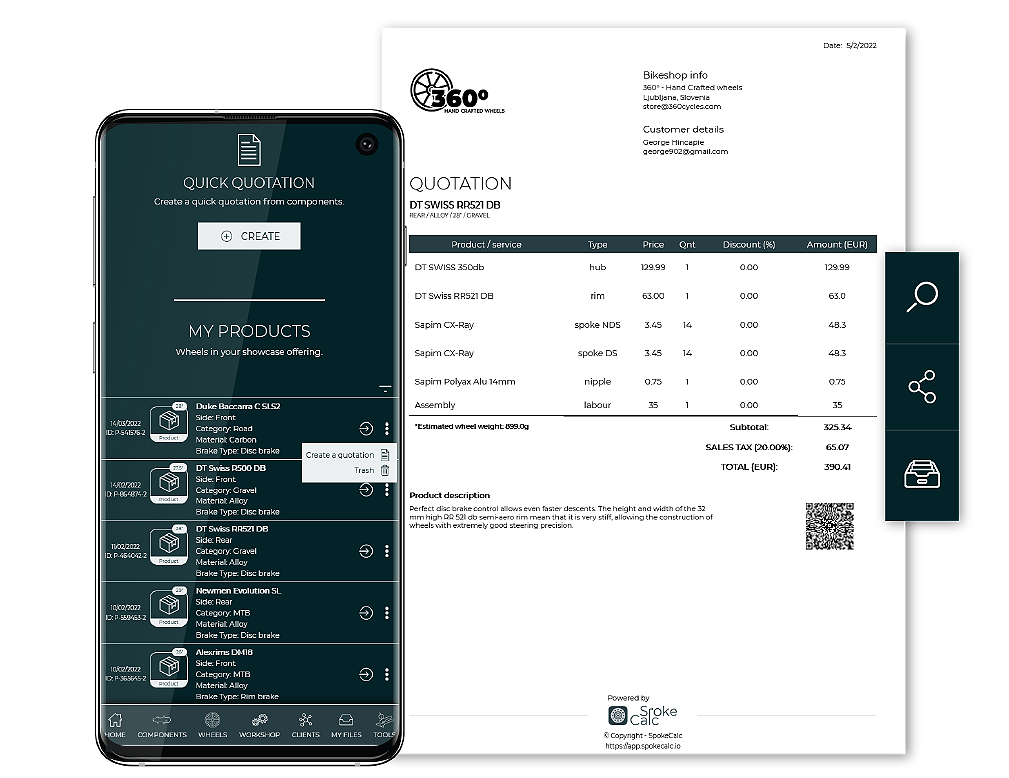
Absolutely. The app includes preformatted A4 templates designed for professional print-outs you can share with your customers. Printable documents include:
- Spoke calculations
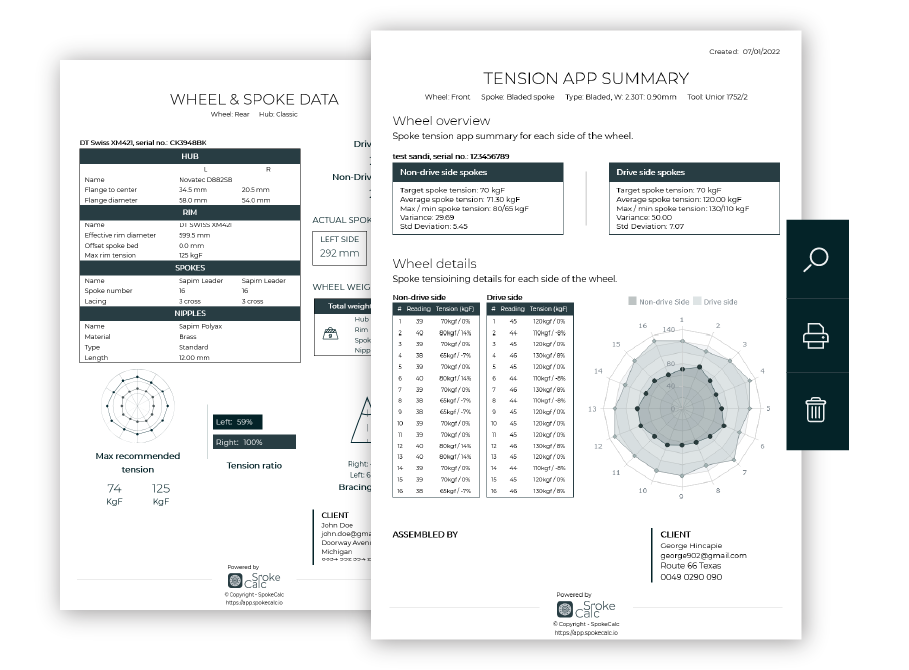
- Spoke tension summary
- Work orders and service history
- Components measurements
- Quotations & Invoices (Marketplace)
You can also share these documents online by clicking the Share icon — it will generate a unique link you can send directly to your customer.
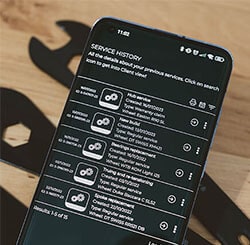
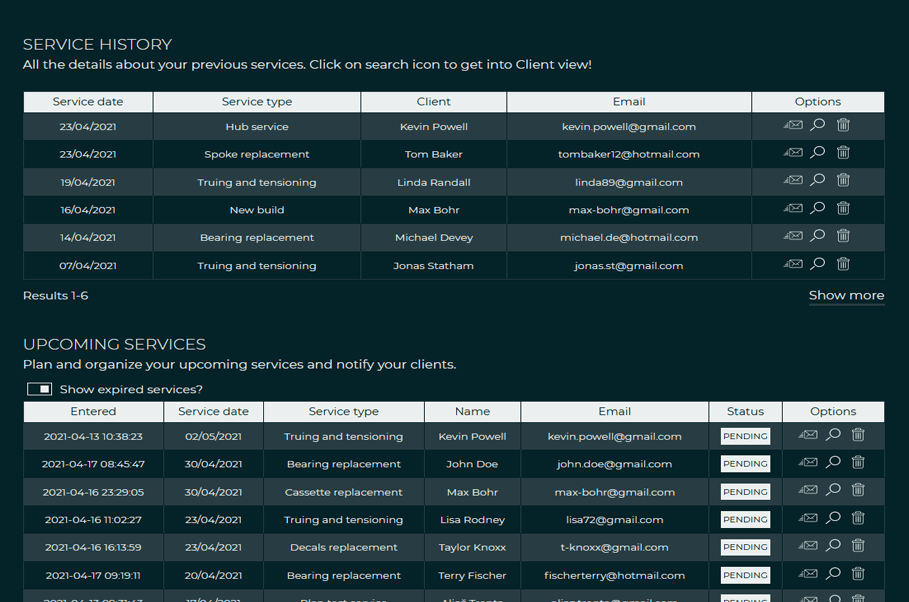
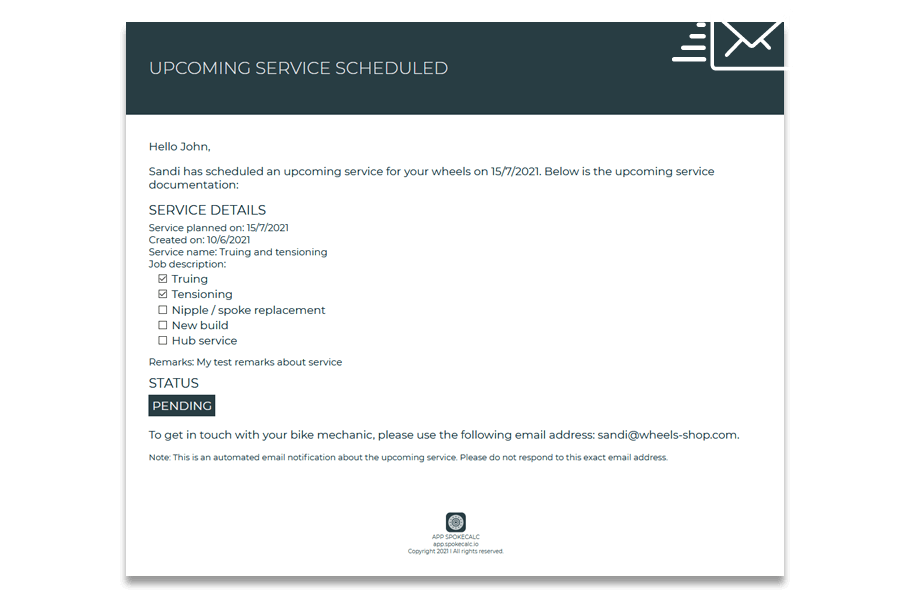
Certainly. The Workshop Module allows you to create detailed work orders and assign them statuses such as Pending, Opened, or Finished—giving you full control over your service workflow and making it easy to track interactions with returning customers.
You can also take advantage of the built-in QR code generator. Every document—or even a specific wheel—can have a custom QR code that links directly to the item inside the app, making access and organization even more efficient.
The Clients Module is especially useful when combined with the Workshop Module. It lets you save and manage your own list of clients, and reuse their information across various tools in the app.
If some client data is missing, no problem—you can still manually enter key details, such as just an email or phone number. This way, clients stay linked to your workshop activity, whether it’s new builds or service jobs, ensuring better organization and a smoother workflow.
Saving components like hubs, rims, spokes, and more means you keep all the essential details stored safely and ready whenever you need them. Once saved, you can reuse these components in different parts of the app or even print their specs.
Plus, on the My Components page, there’s a handy Quick Calc widget that lets you run fast calculations based on your saved parts—no need to export or switch tools.
Absolutely! Every saved component, client profile, file, or wheel can be reused and linked across multiple tools in the app. This keeps your workflow smooth and connected without having to re-enter data.
The app is designed to support a wide range of users—from solo builders to full-scale professional workshops. You can choose the membership that best fits your needs:
- Season Pro - Ideal for DIY builders and casual users. A great way to explore the app’s core features or to stay flexible during the off-season thanks to its monthly subscription.
- Master Builder - Tailored for professional workshops and frequent builders. Along with full access to all technical tools, this plan includes features for managing customer data and tracking complete service history. The Workshop Module allows you to create detailed work orders and maintain organized service records.
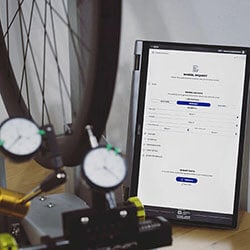
- Marketplace - Best suited for power users and wheel building businesses. In addition to all app features, this plan adds pricing to components and products, branded printables, quotation and invoicing tools, and the Wheel Form—a contact form that captures customer requests directly into your app for streamlined service and new build inquiries.
No, each membership plan offers a different set of features, and higher-tier plans include everything from the lower tiers.
- Season Pro is a solid starting point, giving you access to the main technical tools for wheel building.
- Master Builder includes everything in Season Pro, plus the Workshop Module for tracking service history and managing client interactions—such as saving customer lists.
- Marketplace builds on both previous tiers, adding tools for handling customer inquiries, quotation preparation, branding, and invoicing.
This structure allows you to choose a plan that fits your needs, whether you're a solo builder or running a full workshop.
Absolutely. Invoicing is available with the Marketplace membership and comes with ready-to-use templates that can be quickly filled in with the necessary details, including your logo and imported products or services.
In the Settings menu, you can define default Payment Terms and Payment Options, which can also be adjusted individually for each invoice. This makes the process both flexible and efficient—perfect for managing client billing smoothly.
The Marketplace module is a full upgrade of the Master Builder plan and includes every feature the app offers for wheel builders.
While Season Pro and Master Builder focus on the technical and workflow optimization side—like component management, spoke calculations, work orders, and client tracking—Marketplace adds a business and branding layer to the experience. With Marketplace, you can:
- Store prices for each component
- Create products from saved wheels
- Add branding to printables
- Prepare and send quotations and invoices
- Save and manage customer inquiries through the Wheel Form
If you’re building wheels regularly and want not just a workshop tool but a platform to promote and run your wheelbuilding business, Marketplace is the way to go.
The Season Pro plan is a flexible monthly membership, ideal for trying out the app or for seasonal use.
The Master Builder and Marketplace plans are available as annual memberships only, giving you access to advanced features tailored for professionals and businesses.
Before your membership expires, a notice will appear on your dashboard and across app pages, so you’ll have time to renew without interruption.
No, payments are not automatically recurring. You won’t be billed without action on your part. As your membership approaches expiry, you’ll see reminders within the app and receive an email notification to renew.
Not at the moment. Each account is limited to a single user – one wheel builder per account. However, this is a highly requested feature and likely to be added in future updates.
No. None of your saved data is automatically deleted when your membership expires. You can simply renew your plan at any time to regain full access to your stored projects and components. Monthly memberships can also be paused and resumed later without data loss.
Yes — there’s a dedicated Manual page available with detailed guides and visuals to help you get started.
Every section of the app also includes a small help icon linking directly to the relevant part of the manual, so guidance is always just a click away.
Before diving in, a quick stroll through the visual manual is highly recommended — it’ll get you up to speed fast.
Use the app in Mozilla Firefox or Google Chrome for optimal performance.
You can find all your account details — including your membership type and expiration date — on the User page. This information is also accessible at the bottom of your dashboard at any time.
Great! I’d love to hear your suggestions. Feel free to reach out via the contact form, and we can discuss the possibilities of implementing your ideas in future updates. Also, make sure to follow the SpokeCalc Instagram account — that’s where I regularly share news, updates, and behind-the-scenes features.